
iPhone Wi-Fi scan
- Download AirPort Utility from Apple.
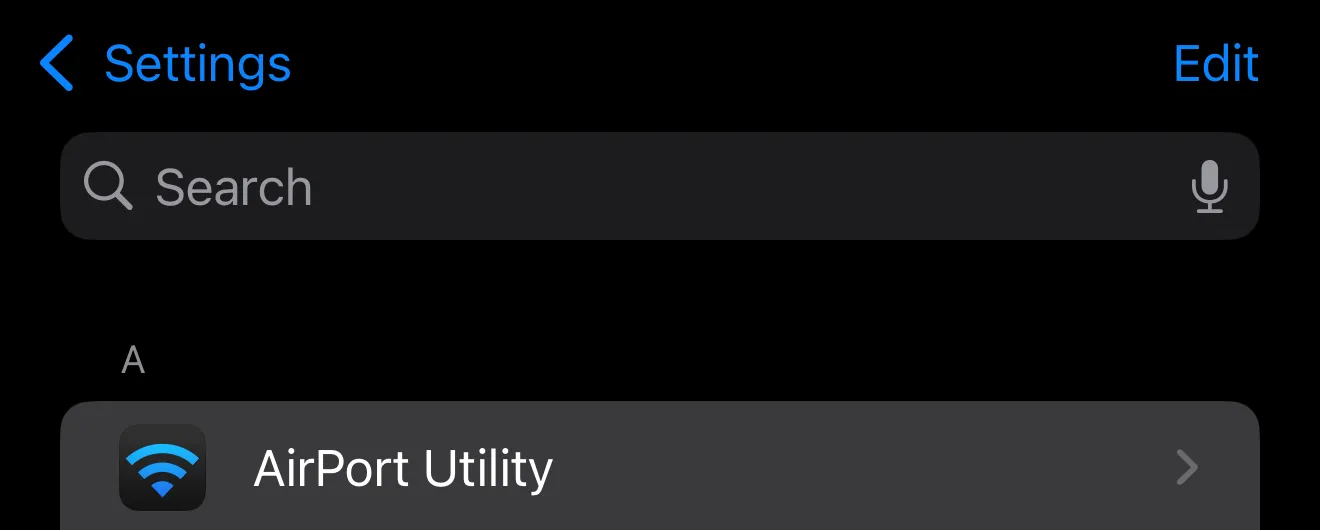
- Go to Settings > AirPort Utility.
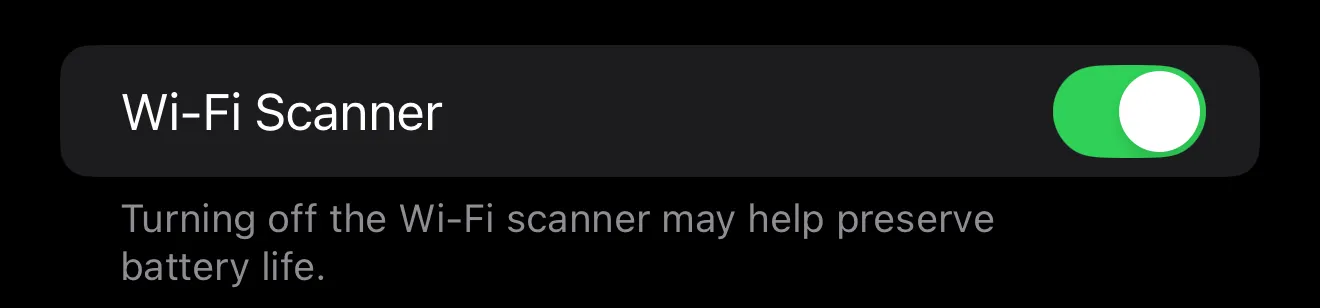
- Turn on Wi-Fi scanner.
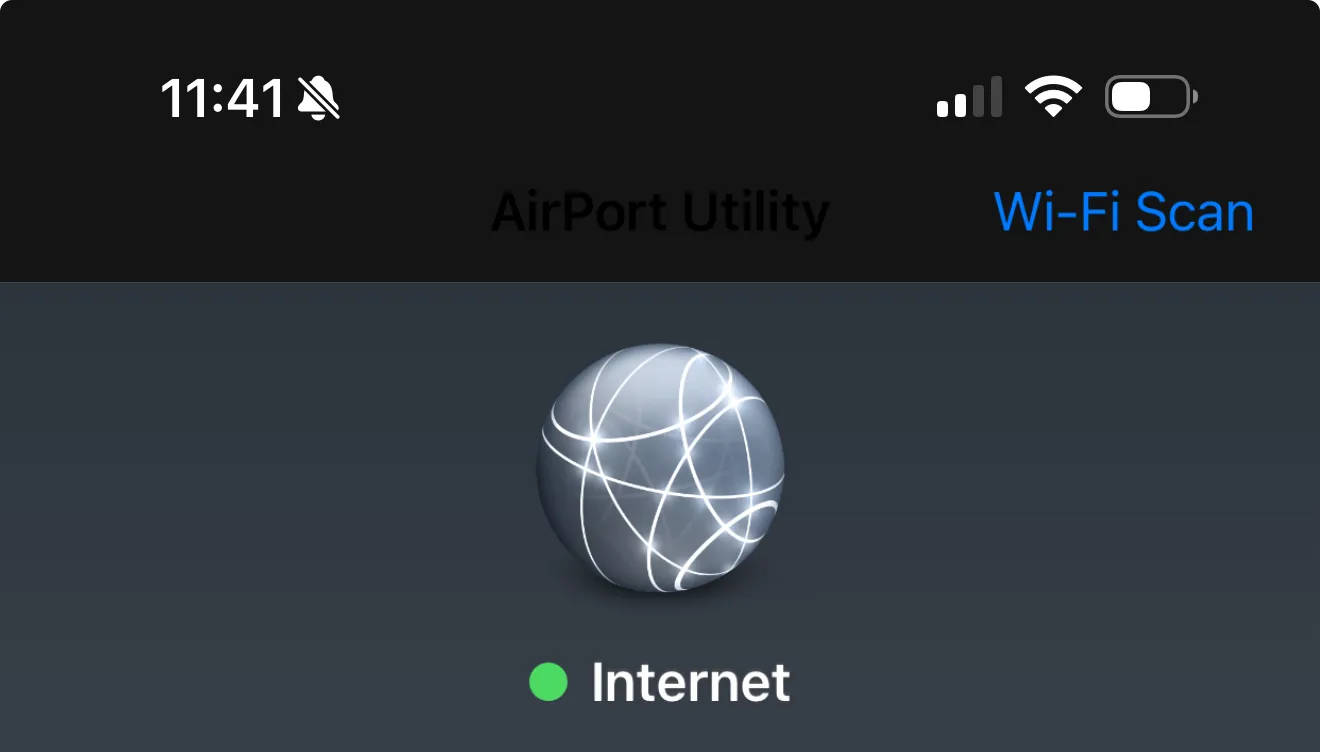
- Open the AirPort Utility app and tap Wi-Fi Scan.
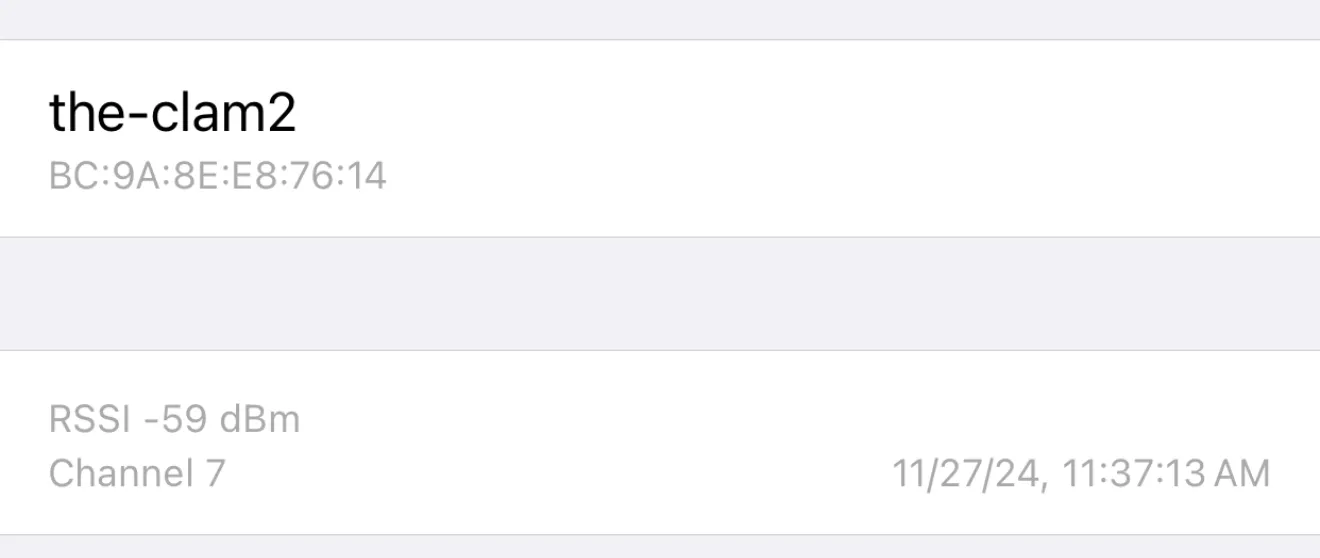
- Tap your Wi-Fi network and send a screenshot of what you see.
Wi-Fi diagnostics
Use AirPort Utility on iPhone to scan signal strength and send a screenshot for support.