
Run these checks first
If you’re having a hard time connecting, we’ll need to run some diagnostics.
- Try turning your freeze dryer off and on, then restart the connection process.
- Send us as much info about your Wi-Fi as possible.
- Download an app to measure signal strength.
- Router type and location?
- How is your signal strength?
- Do you know if the network is 2.4ghz or 5ghz?
- Who is your internet service provider?
For iPhone
Unsubscribe from the app trial after testing to make sure they don’t charge you.
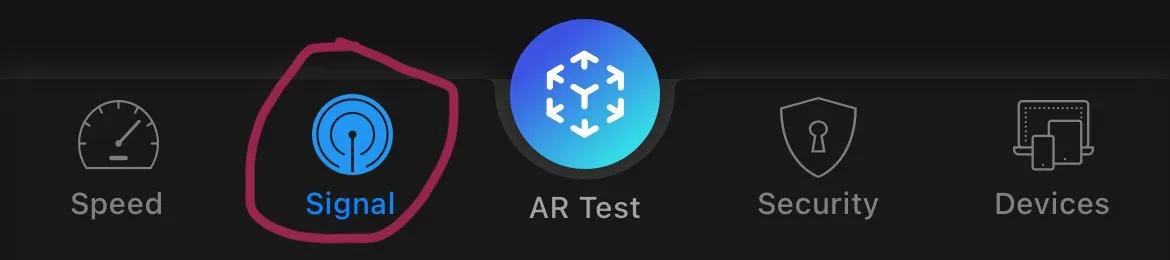
- Download iWifi - AR speed & signal test.
- Click Scan.
- Take a screenshot.
- Send it to us.