
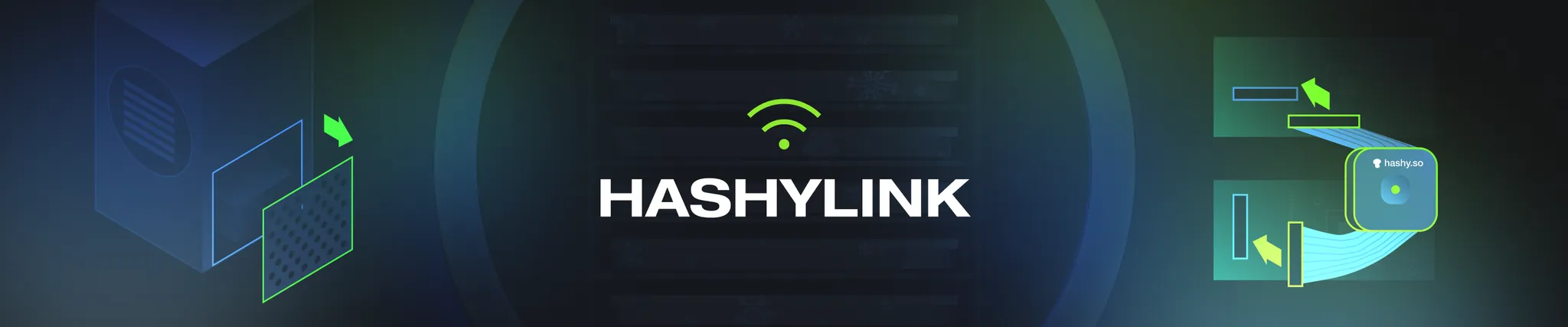
Choose the guide that matches your freeze dryer
In this document, I’ll be walking you through how to install and set up your HashyLink. We’ve created specific guides for each type of freeze dryer to make it easier. Please click around based off of the pics that looks like yours.
– Chase, Hashy co-founder
Step-by-step guide
Use these pages in order if you are installing a standard HashyLink on a Harvest Right style freeze dryer.
Basic overview
- Open up your freeze dryer through the top or side panel.
- Unplug the grey ribbon cable.
- Plug HashyLink into the two slots you just freed up.
- Download ESP SoftAP Provisioning and scan the QR code.
- Follow the Wi-Fi connection guide.
Check your settings before the first batch
Unplugging your freeze dryer might change its settings. Check the units on your device, shelf temps, and any custom parameters before you run a batch. If your numbers are different on your freeze dryer screen and in the HashyLink app, send us a message and we’ll fix it.
Get support
We’re quickest to reply on Discord, and the community is useful for setup help, troubleshooting, feature requests, and process discussion.
- Discord support is active from about 8am-9pm PST daily.
- Email support: chase@hashy.so
- Instagram: @addictedtohash, but Discord is better for support needs.